



Native-quality visuals with high frame rates and low latency for a smooth experience.

Massive high-speed nodes | Stable and continuously available | One-click quick connection
We have more than 10,000 nodes in 184 countries and regions, as well as globally optimized high-speed routes

A global high-speed network built for streaming, with fast video channels, unlocking global content and eliminating buffering.
Download Now →Esports-grade network optimization, say goodbye to high ping and enjoy silky-smooth gameplay.
Native-quality visuals with high frame rates and low latency for a smooth experience.

Balancing higher image quality, higher frame rates, and a stable connection experience.
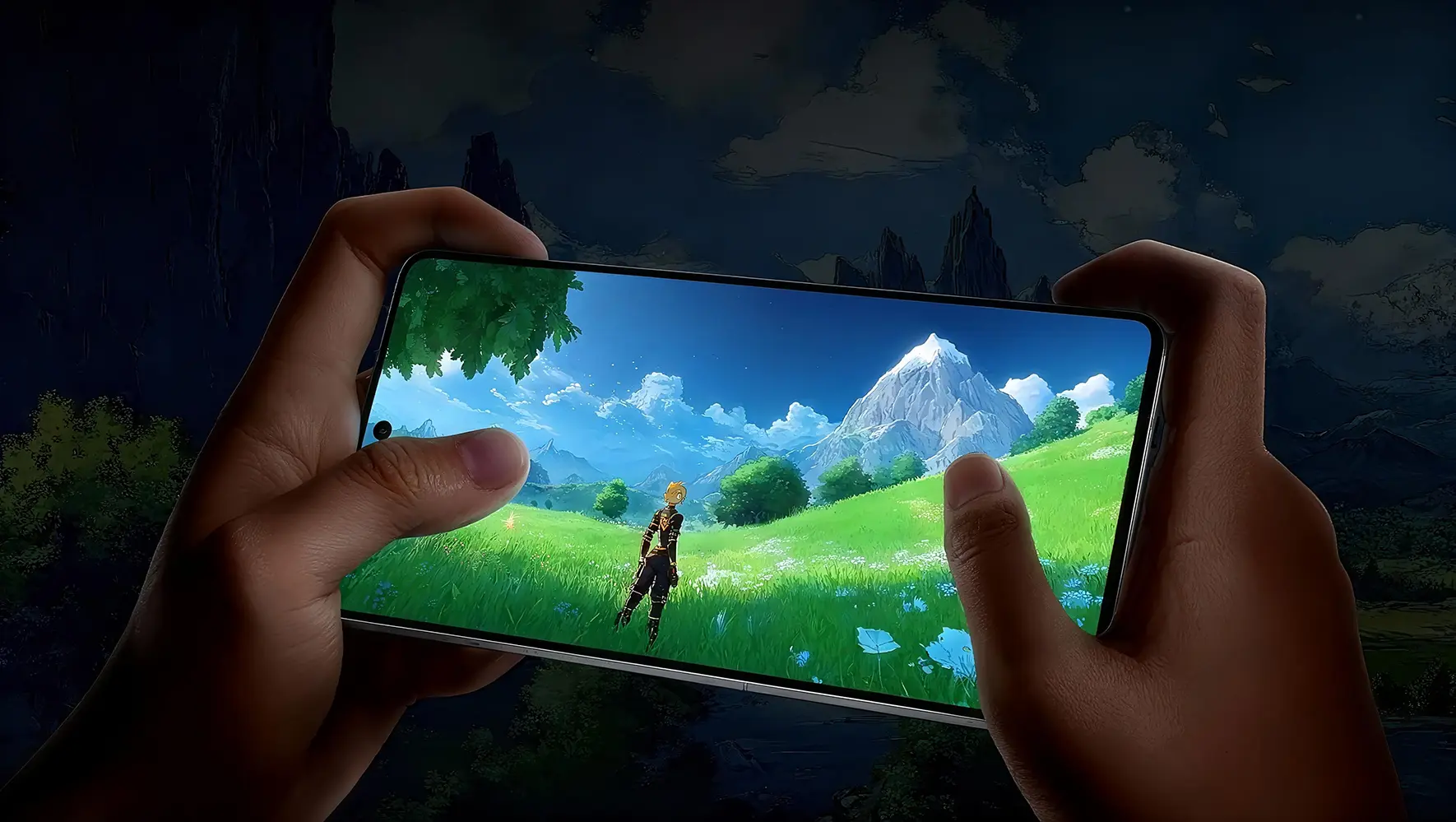
Consistently smooth, detailed, and stable across different gaming platforms.
Smart connection, device switching, and privacy settings make common features clear at a glance.

Choose the most suitable connection method based on the current environment to reduce repeated setup.

Covers common device platforms such as computers, phones, and tablets.

Protects everyday connection processes with clear security mechanisms.

Focuses on common steps so new users can get started quickly.

Provides a continuous and clear user experience across different network environments.
Get started quickly through smart route selection and one-tap connection; when you need to switch devices, simply choose the corresponding client.
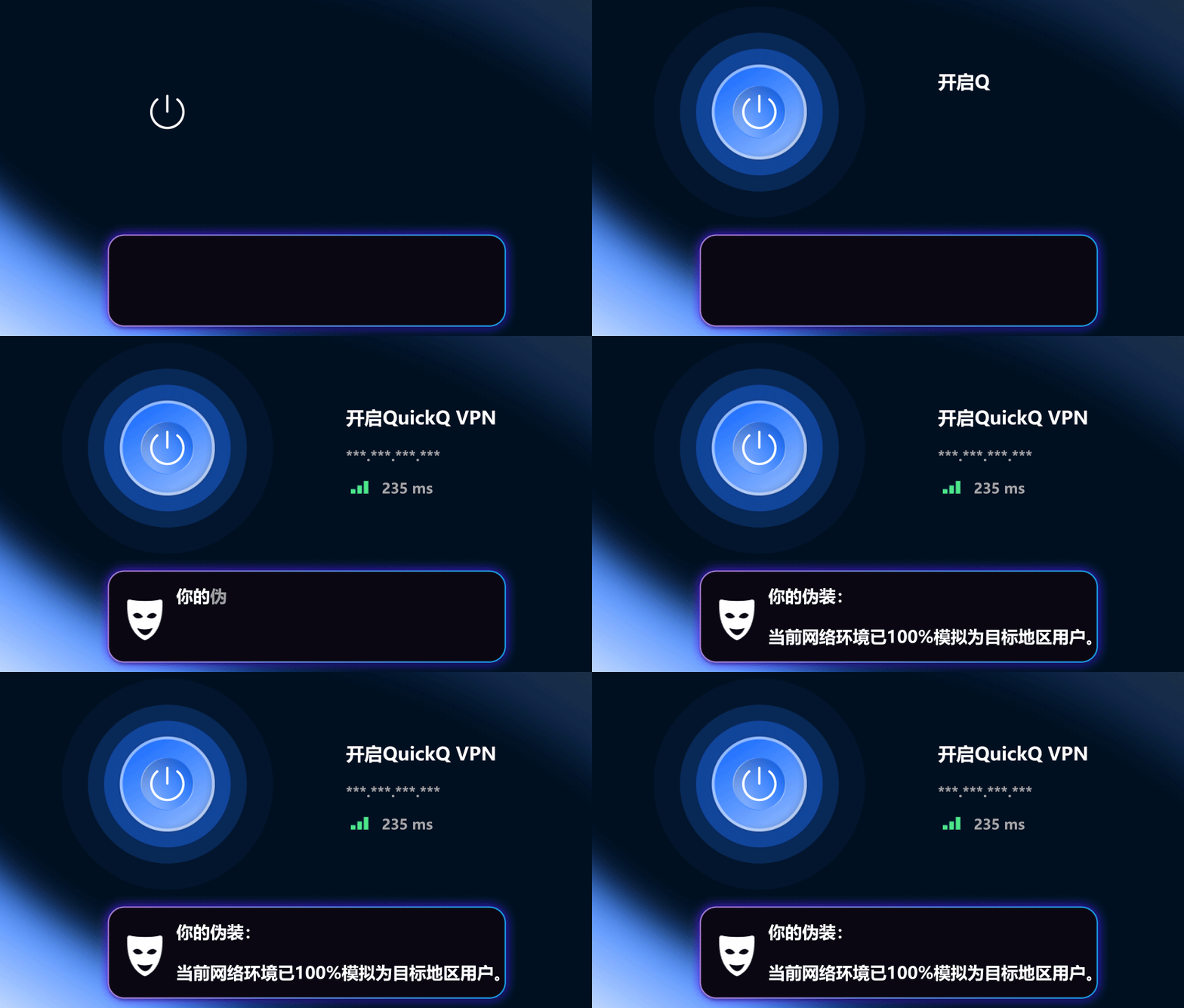
Enjoy a familiar connection experience on computers, phones, and tablets by selecting the client that matches your device's operating system.
Frequently asked questions about device selection, downloading, installation, and getting started.
Supports common platforms including Windows, Android, iOS, macOS, and Linux. Please choose the version suitable for your device.
Open the downloaded installation package and follow the wizard. On mobile devices, install according to the system prompts.
Open the client, follow the in-app prompts to complete the initial setup, select a server, and you can connect.
Go to the download center on this site and choose the corresponding version based on your current device system.
Go to the download center and choose the client and installation entry according to your device system.
Open Download CenterQuickQ VPN provides a simple and consistent connection experience across different devices. No complex configuration is required. After installation, simply log in to use it, making it ideal for daily commuting, travel, or temporary work scenarios that require a stable network environment.
Open the app on your Android or iOS device and tap connect to automatically select a suitable server.
Connection is optimized for video playback to reduce buffering and keep the picture smooth and stable.
Supports simultaneous connections on Windows and macOS, suitable for downloading, meetings, and browsing in parallel.
You can try switching to a closer node or reconnecting within the app. QuickQ VPN prioritizes low-latency routes, which usually improves webpage loading and video playback.
The specific number of devices is subject to the current plan description. During installation, simply log in with the same account to switch between your commonly used phone, tablet, or computer.


 Windows
 Android
 iPhone / iPad
 macOS
macOS Linux
Linux